For this post, my main objective was to gain access to the translation tool. In this case, I visited the Translate WordPress platform and began by searching for the project I would be contributing to. As mentioned in the previous post, the project I selected is the Astra theme.
Once I located the project, I started exploring the available options, buttons, and overall workflow to better understand how the translation platform operates. This initial exploration helped me become familiar with the process before actively contributing translations.
So far, the level of difficulty has been minimal. Since I have a good understanding of the English text, the translations have not been particularly challenging. The platform is also quite intuitive, making it easy to translate strings and submit translation suggestions for official review within the WordPress community.
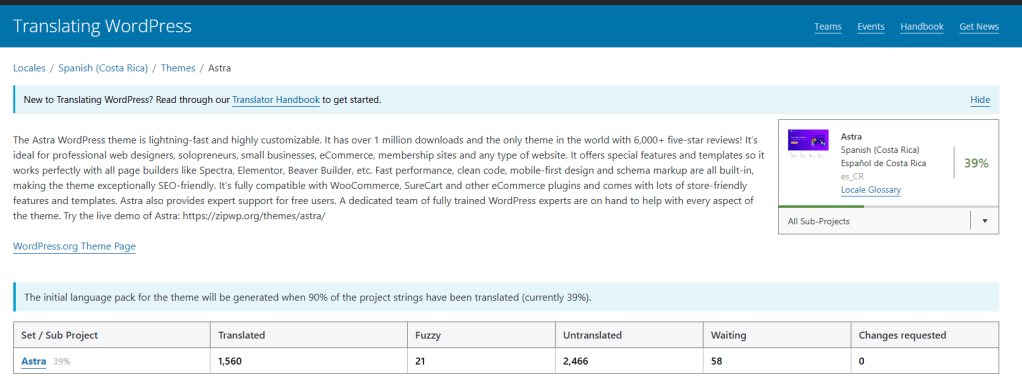
In the first image, you can see how I accessed the Translate WordPress platform and located the project, or subproject, that I will be working on. In this case, it is the Astra theme, which is the project I selected for translation.
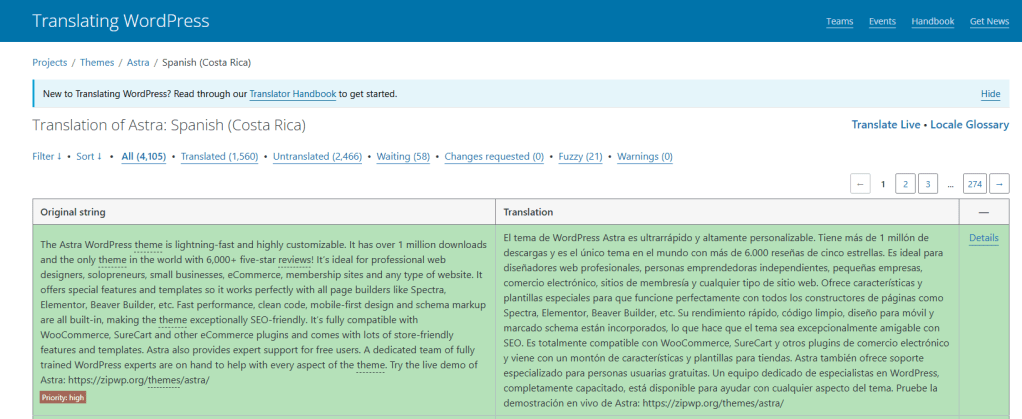
In the second image, you can see that I have already entered the Costa Rican Spanish translation section for Astra. This screenshot also shows examples of previously submitted translations, which were likely contributed by other collaborators who have participated in the project before.


Leave a Reply